The Payment Request Letters can be run up to 60 days prior to the renewal date.
From the Main Menu of the Administration System, select Customer Details.
Select Choose & Print Customer Records.
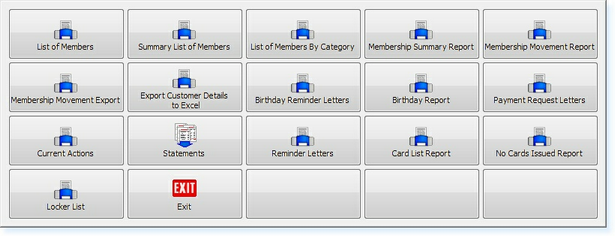
Select Print Standard Customer Reports. The following menu will be displayed.
Select Payment Request Letters.
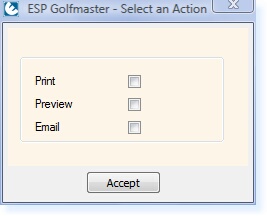
Once a report has been selected, a menu will ask you to specify how you require the report to be processed:
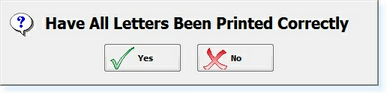
Select the Print box. The letters will begin to print to your default Laser Printer. The following message will then be displayed on the screen.
Once all letters have been printed, select Yes. This will then mark the records in order that the next time you run the Payment Request Letters, the same letters will not print again.
If you experience problems during the letters printing, e.g. Laser Toner runs out, select No from the message above. You can then re-run the Payment Request Letters to start the printing again.
|