To cash-up at the POS terminal, Select the Main Menu option; either from POS or the log in window. A new menu will appear.
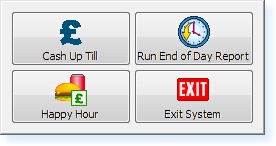 - Cash-up Menu -
Select the Cash Up Till option from this menu. A window will appear displaying the following message.
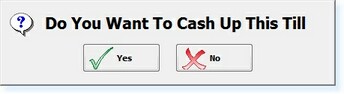 - 'Cash-up' Prompt -
After selecting Yes, a receipt of the cash up will print to the printer and a new message will appear.
 - 'Deferred Declaration' Message -
Once the takings have been counted they may be declared through a Back Office Terminal.
|