If you are producing A5 Invoices & Bills from your Food & Beverage System, when you select the Item List from the Point of Sale Screen, you will see two printer icons as shown below.
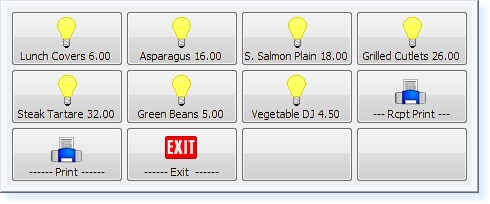 - Item List -
By selecting the Rcpt Print option, this will print a bill on the Thermal Printer.
If you select the Print option, a bill will print on A5 paper using your Laser Printer. An example is shown below.
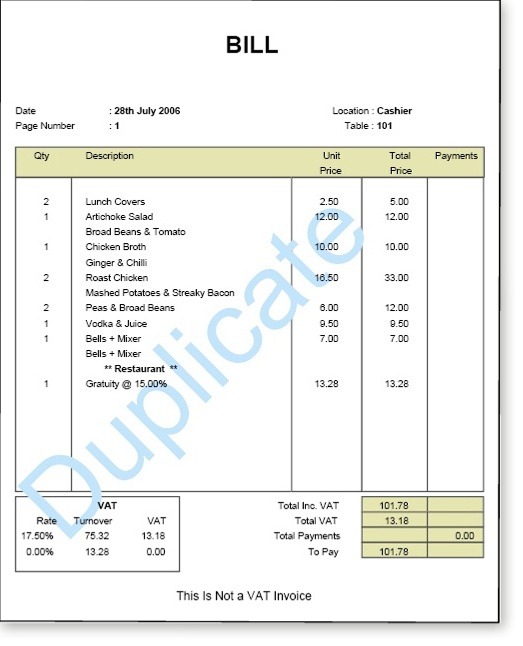 - A5 Bill -
When a bill is paid, the final Invoice will be printed to A5 paper using the Laser Printer. An example is shown below.
 - A5 Invoice -
The A5 Invoices will be separated by Sales Area for quick identification as to which Sales Area each item was added to the bill by.
|