To search for a stock file by Stock Group, from the Main Menu: Select Stock Routines, Maintain Stock Items then Create/Amend/Delete Stock Records.
When the Stock File Filter Screen appears, select the tab titled Stock Group Select the stock group from the drop-down list to view a list of all of the products linked to that stock group.
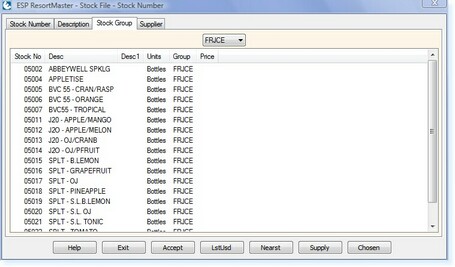 - Stock Filter Screen -
|